Interactive Flat Panels (IFPD)
Interactive Panel Supplier in Bangalore for Classrooms and Meeting Rooms
Samsung, LG, MAXHUB and Cybernetyx interactive panels for schools, colleges and offices. We survey the room, supply the panel, mount it, set up the OPS PC and screen sharing, and train your teachers or staff at handover, in Bangalore and across Karnataka.
Where They Are Used
Interactive Panels for Classrooms and Offices
We supply interactive panels to two kinds of buyers: schools and colleges setting up smart classrooms, and companies fitting out meeting and training rooms. See how we work with schools and colleges, read our NEP 2020 smart classroom guide, or, for rooms that need cameras and audio as well, our conference room solutions.
School Smart Classrooms
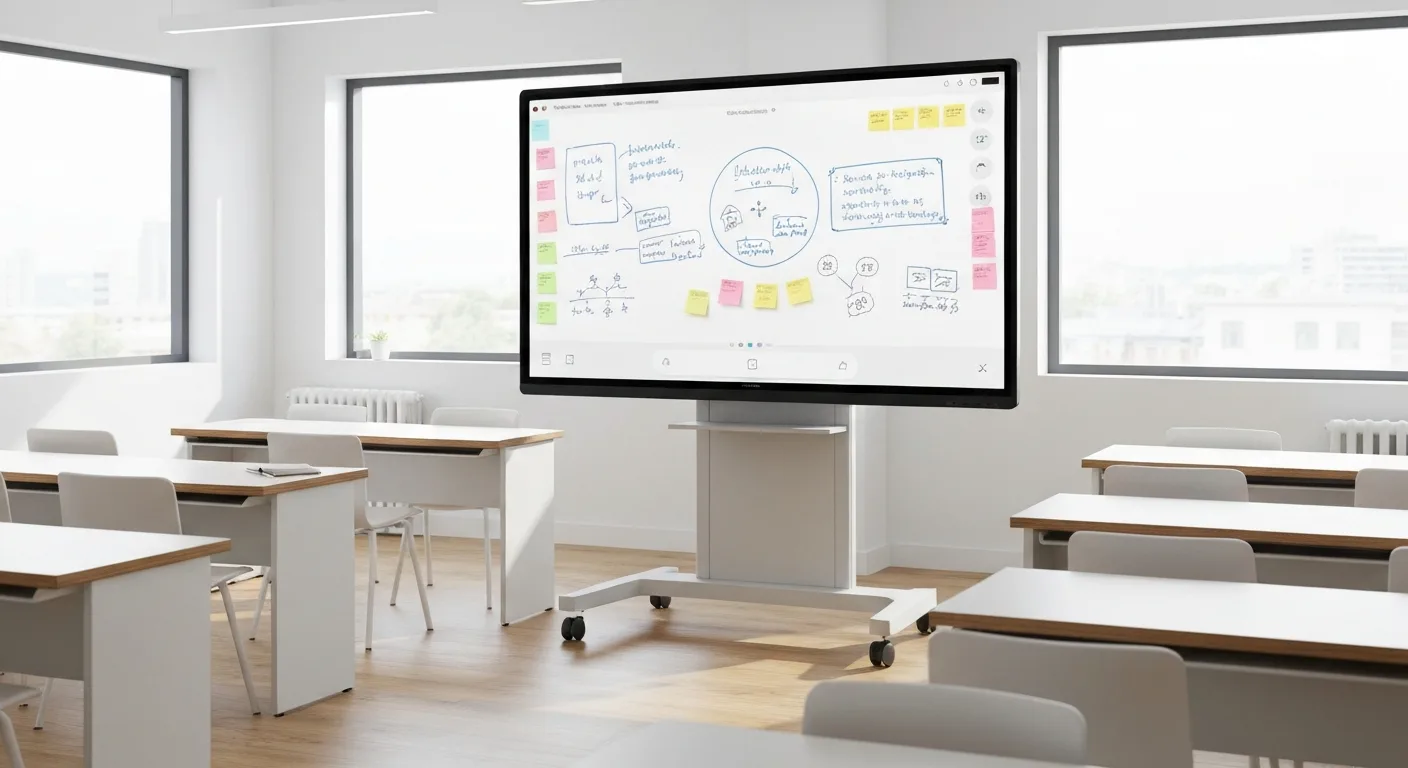
A 65" or 75" interactive panel in place of the green board and projector. Teachers write over lesson slides, open videos and save the board as a file, so nothing is lost when the period ends.
Colleges and Universities
86" and larger panels for lecture halls and seminar rooms, where students sit further back. Faculty connect a laptop or use the OPS PC module, record sessions and share the screen to students joining remotely.
Office Meeting Rooms
Interactive panels for meeting rooms in offices on ORR, Whitefield, Manyata and Electronic City. Staff share their laptop screen wirelessly, mark up a document together and join Teams or Zoom calls from the panel. For full conference rooms with cameras and ceiling microphones, see our conference room solutions.
Training Rooms
Panels for induction, sales and technical training, where the trainer moves between slides, a whiteboard and a browser. Split-screen lets two sources sit side by side, and saved boards can be shared with trainees after the session.
Size Guide
Choosing a 65, 75 or 86 Inch Interactive Panel
Pick the size from the distance between the panel and the last row of seats. If students at the back cannot read the teacher's handwriting, the panel is too small for the room, however good its other features are.
A 65 inch interactive panel suits small classrooms, tuition rooms and meeting rooms. The 75 inch interactive panel is the most common choice for a standard school classroom or a boardroom. An 86 inch panel suits larger classrooms, labs and seminar rooms, and lecture halls may need 98" or two panels.
The table is a starting point. During the site survey we measure the room, check the wall and the window light, and confirm the size before you order.
Interactive Panel Size by Room
| Size | Room Type | Viewing Distance |
|---|---|---|
| 55" | Small meeting rooms (4-6 people) | 2 - 3 meters |
| 65" | Medium classrooms / meeting rooms (8-12 people) | 3 - 4 meters |
| 75" | Standard classrooms / boardrooms (15-20 people) | 4 - 5 meters |
| 86" | Large classrooms / auditoriums (25-40 people) | 5 - 7 meters |
| 98" | Lecture halls / large boardrooms (40+ people) | 6+ meters |
Built-in Computer
Built-in Android or OPS for the Interactive Panel?
Built-in Android (no extra PC)
Interactive panels come with a built-in operating system (Android on most models) with a whiteboard, file viewer, browser and screen-sharing app. It is enough for teaching from slides and PDFs, whiteboarding in meetings and casting from a phone or laptop. Nothing extra to buy or maintain.
OPS PC module (interactive panel with CPU)
An OPS module is a Windows PC that slides into a slot at the back of the panel, so there is no separate CPU or cables on the wall. Choose it when teachers need Windows software, school ERP or LMS logins, or when an office wants Teams Rooms or Zoom running on the panel itself. We size the processor, RAM and storage to the software you plan to use.
Before You Buy
What to Check in an Interactive Panel Board
Size and price are only part of the decision. These are the points teachers and meeting room users notice in daily use. You can try each of them on Samsung and MAXHUB panels at our Bangalore Experience Center.
Touch points and writing feel
Most interactive flat panels today support 20 or more touch points, and some education models support more, so two or three students can write at once. Check how quickly ink follows the pen, whether palm rejection works, and whether the pen and finger can be used for different actions. These are easier to judge by trying the panel than from a spec sheet.
Wireless screen sharing
Look at how laptops and phones connect: a brand app, a USB dongle, or casting over the network. In a school, also check whether a teacher can share without joining the panel to the school Wi-Fi. In an office, check whether IT needs to approve the panel on the corporate network.
Wall mount or mobile stand
A wall mount suits a fixed classroom or meeting room and keeps cables hidden. A mobile stand with wheels suits schools that share panels between rooms, or offices that move a panel between a training room and a cafeteria. Height matters for classrooms, so younger students can reach the lower part of the board.
Glass, brightness and room light
Anti-glare glass helps in classrooms with windows on one side. 4K resolution keeps small text readable at the back of the room. Ask for the panel in a room similar to yours before deciding.
Supply & Installation
Interactive Panel Installation in Bangalore
Our own team handles the job from survey to handover, in Bangalore and across Karnataka, including Mysuru, Mangaluru, Hubballi-Dharwad and Belagavi. We also supply interactive panel projects in other parts of India.
Site survey
We visit the classroom or meeting room, measure the wall, check its strength, mark power and network points and confirm the right size for the seating.
Supply
Genuine, brand-new panels with the manufacturer warranty and a GST invoice, along with the wall mount or mobile stand, OPS module and accessories you have chosen.
Mounting and cabling
Our team fixes the wall bracket or assembles the stand, mounts the panel at the agreed height and routes power, HDMI, USB and network cables neatly.
OPS and software setup
We install the OPS module, set up Android and Windows, connect the panel to your network and configure screen sharing and the whiteboard app.
Teacher and staff training at handover
At handover we walk teachers or staff through writing, saving boards, screen sharing and switching sources, so the panel gets used from the first day.
After-sales support
If a panel needs attention, our team visits on site in Bangalore and we help you raise and follow up warranty claims with the brand’s service network.
Brands We Supply
Samsung, LG, MAXHUB and Cybernetyx Interactive Panels
We supply and install interactive flat panels from four brands, so we can recommend the one that fits your rooms and software. If you are deciding between two of them, our MAXHUB vs Samsung IFPD comparison covers the main differences.
Samsung
Samsung Flip interactive displays for meeting rooms and classrooms, and WAC/WAT series interactive displays for education, with 4K UHD and built-in whiteboarding.
Samsung interactive rangeLG
LG interactive displays for classrooms, boardrooms and training rooms, with multi-touch, built-in Android, annotation tools and wireless screen sharing.
LG interactive rangeMAXHUB
EC Series education panels for classrooms, V6 Pro and C Series for meeting rooms, and UC series all-in-one meeting boards with camera and microphones.
MAXHUB interactive rangeCybernetyx
EyeRIS A10 all-in-one interactive flat panel for classrooms and meetings, with UHD 4K, PixelTouch optical touch and BrightClass teaching software.
Cybernetyx interactive rangeCommon Questions
Interactive Panel FAQs
An interactive flat panel display (IFPD) is a large touchscreen that replaces the projector and whiteboard in one unit. It is bright enough to use with the lights on, shows 4K detail, responds to touch and pen, and has a built-in computer. There are no bulbs or filters to replace, and no projector to align.
Interactive panel price depends on the size (65", 75", 86" or larger), the brand and series, whether you add an OPS PC module and its configuration, the mount or mobile stand, and the installation work at your site. A school ordering panels for several classrooms is priced differently from a single meeting room. Share your room sizes and quantity and we send a written quote, usually within 1 business day.
Go by the distance from the panel to the last row. As a rough guide, a 65 inch interactive panel suits rooms up to about 4 metres deep, a 75 inch panel suits a standard classroom or boardroom of 4 to 5 metres, and an 86 inch panel suits larger classrooms of 5 to 7 metres. We confirm the size during the site survey.
Built-in Android is enough for whiteboarding, slides, PDFs, videos and wireless screen sharing. Add an OPS PC module if you need Windows software on the panel, such as school ERP or LMS logins, Microsoft Office, or Teams and Zoom running on the panel itself. The OPS slides into the back of the panel, so you get an interactive panel with CPU and no separate box on the wall.
All four make good interactive panels, and the right one depends on the room and the software you use. MAXHUB has separate education and meeting room lines, Samsung offers Flip for meeting rooms and classrooms, LG covers both classrooms and boardrooms, and Cybernetyx pairs its EyeRIS A10 panel with BrightClass teaching software and AI tools for lesson plans and quizzes. We supply and install all four, and you can try MAXHUB and Samsung Flip panels at our Bangalore Experience Center before you decide.
Yes. Interactive panels are widely used by schools and colleges setting up smart classrooms under NEP 2020, because they support digital content, multi-touch group work and recorded or remote lessons. If your tender lists a specific requirement, send it to us and we check each point against the model we propose.
Our installation covers a site survey, supply of the panel and accessories, wall mounting or mobile stand assembly, power and signal cabling, OPS and software setup, network and screen-sharing configuration, and training for teachers or staff at handover. We install in Bangalore and across Karnataka, including Mysuru, Mangaluru, Hubballi-Dharwad and Belagavi, and also supply projects in other parts of India.
Every interactive panel we supply is genuine, brand-new stock with the manufacturer warranty. Warranty period depends on the brand and model, and we confirm it in the quote. After installation, our team provides on-site support in Bangalore and across Karnataka, and we help you raise and follow up warranty claims with the brand's service network.
Quote
Get an interactive panel quote
Tell us the number of classrooms or meeting rooms, the sizes you have in mind and whether you need an OPS module. We reply within 1 business day with pricing and stock, and can arrange a site survey in Bangalore.
Supply and installation in Bangalore and across Karnataka. Mon to Sat, 9:00 AM to 6:00 PM IST.
Planning an AV Project? Let’s Talk.
Tell us about your site and requirement. We will help you choose the right products, quote for supply and installation, and support you after handover.